Backbone LabDocs
Workflow

Renovator Indoor

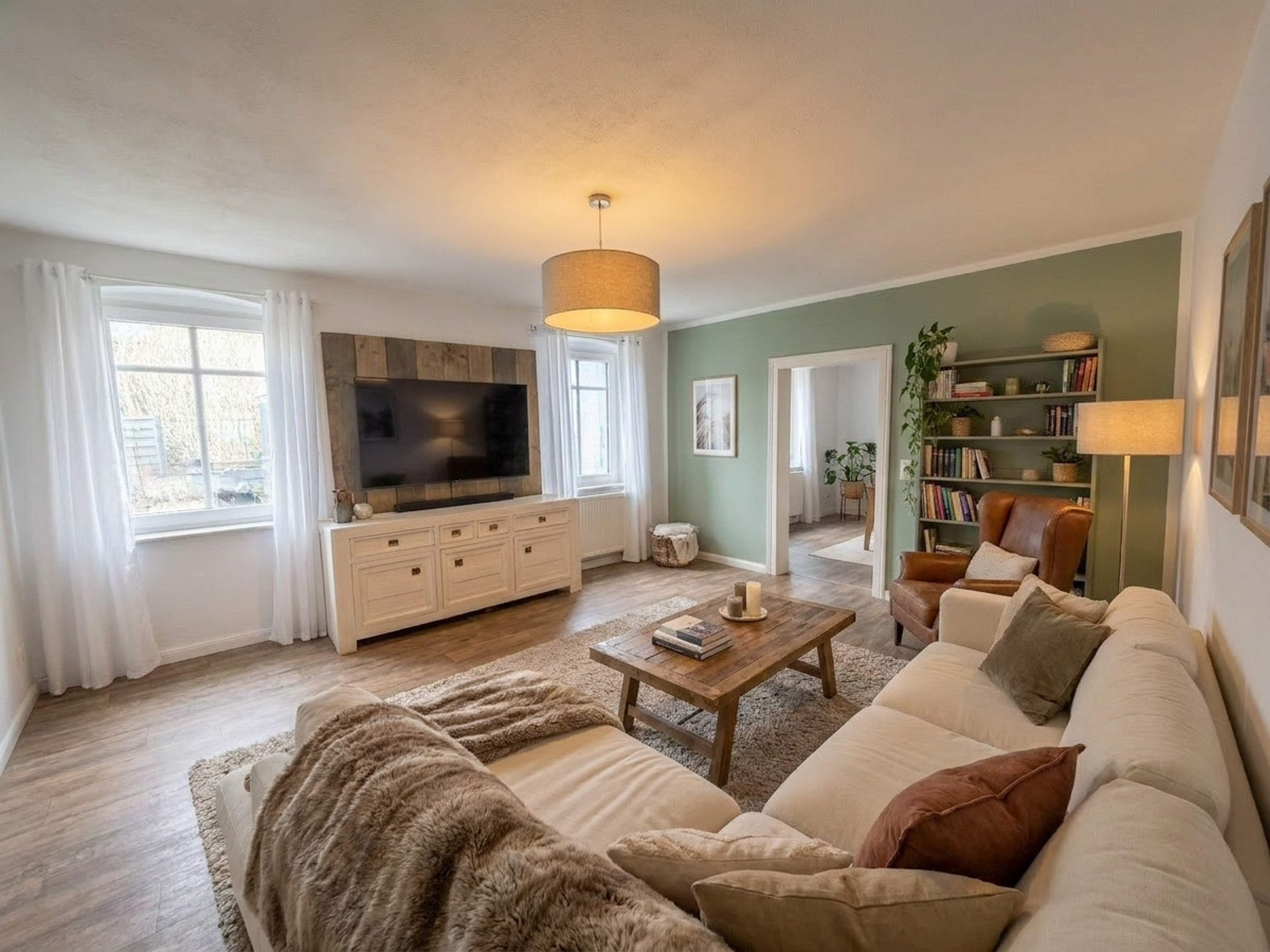
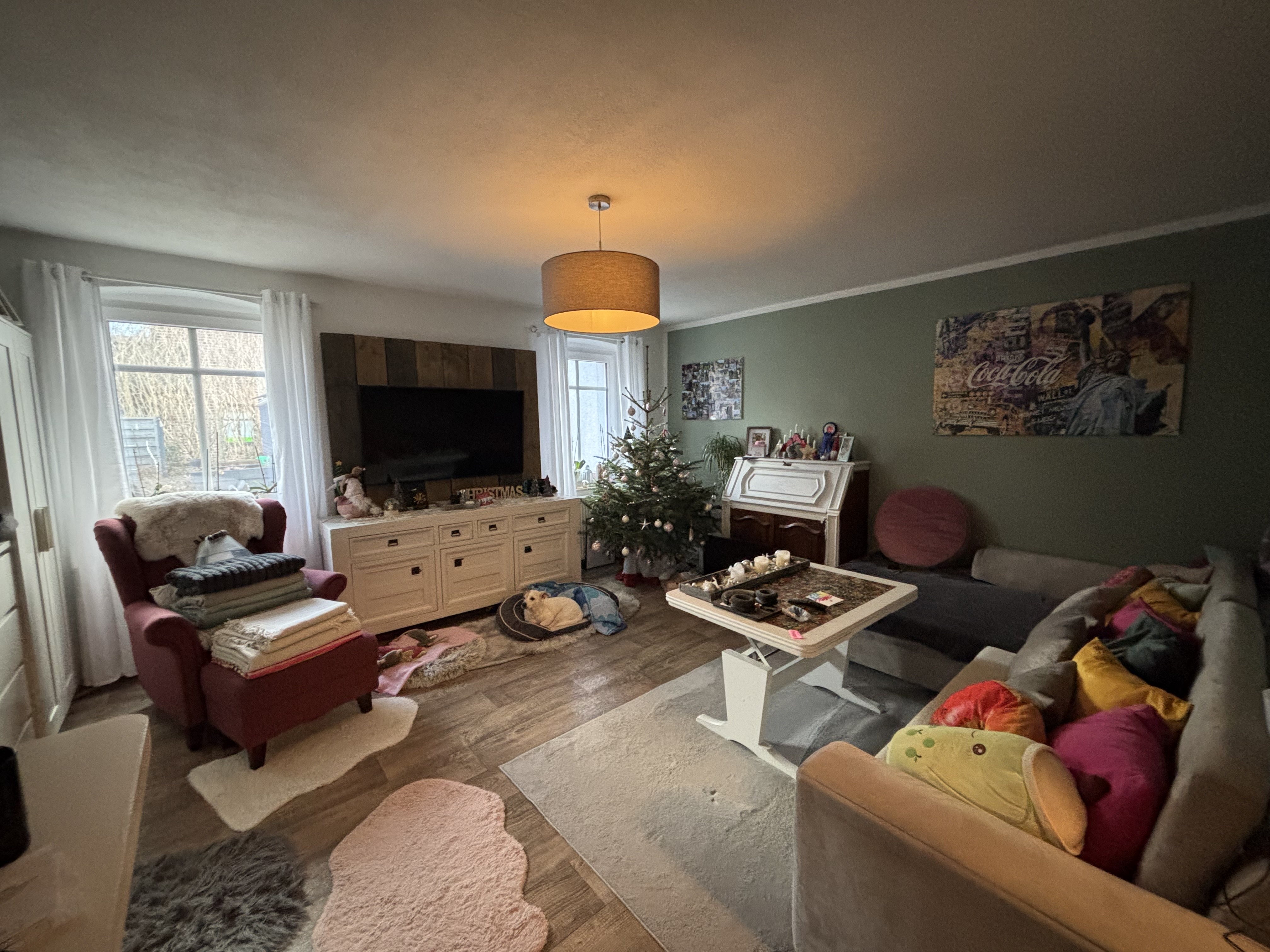
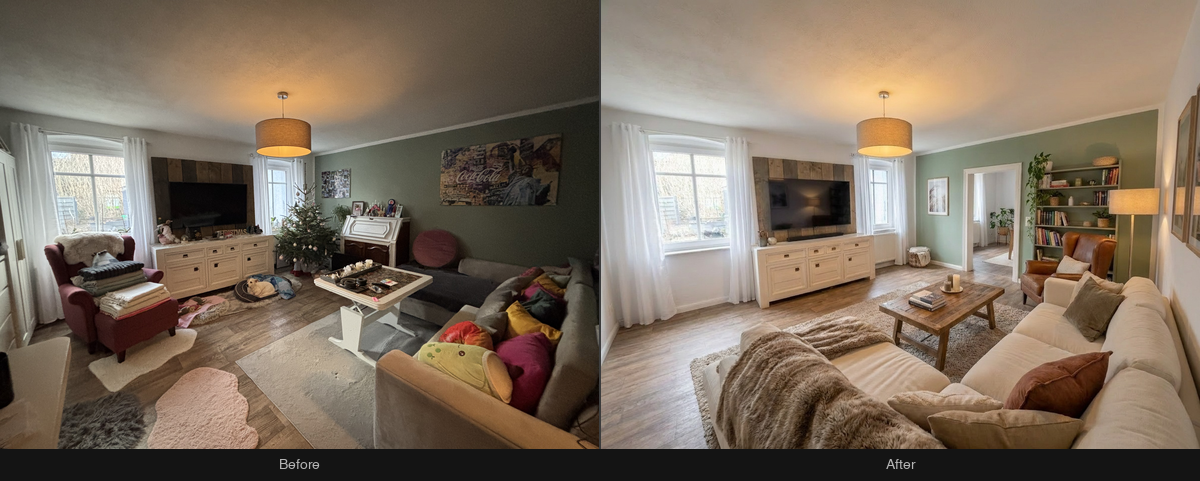
Renovate interior spaces — furniture is removed first, then the room is restaged with your chosen style. Output preserves original image dimensions.
Renovator Indoor preview

How it works

  1. Upload assetsPOST /v1/assets/upload with each image file. Returns a sha256:... hash.
  2. Run the workflowPOST /v1/workflows/renovator-indoor/run with asset hashes and parameters. Returns a jobId.
  3. Get results — Poll GET /v1/jobs/:jobId or stream via GET /v1/jobs/:jobId/events (SSE).
  4. Download outputsGET /v1/assets/:hash/raw to download each output file.

Code examples

import { bkbnlab } from '@bkbnlab/api'
import { readFile } from 'node:fs/promises'

// export BKBNLAB_API_KEY=sk-...

const result = await bkbnlab.subscribe('renovator-indoor', {
  input: {
    image: await readFile('image.jpg'),
  },
})

// Download output image
await bkbnlab.download(result.outputs.image, 'result.png')

Endpoint

POST/v1/workflows/renovator-indoor/run

Requires X-API-Key header. See Authentication.

Inputs

FieldTypeRequiredDescription
imageasset:imageInterior photo to renovate

Outputs

Each output is a sha256:... asset hash. Download via GET /v1/assets/:hash/raw.

FieldTypeDescription
imageasset:imageRenovated interior

Before / After

Drag the slider to compare input and output. Switch between examples below.

BEFORE
AFTER

Request

{
  "inputs": {
    "image": "sha256:<hash_image>"
  }
}

Response — queued

{
  "jobId": "job_abc123",
  "status": "queued"
}

Response — completed

{
  "jobId": "job_abc123",
  "status": "completed",
  "outputs": {
    "image": "sha256:..."
  }
}

Download an output

curl -o result.png \
  -H "X-API-Key: $BKBNLAB_API_KEY" \
  https://api.bkbnlab.ai/v1/assets/$IMAGE_HASH/raw