

Outdoor Staging
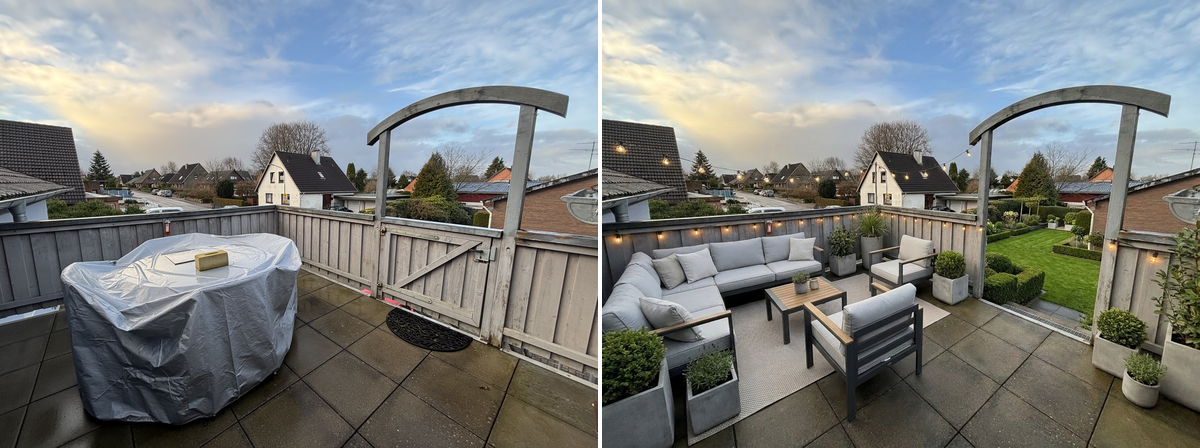
Outdoor staging: tidy landscaping, lawn and tasteful outdoor furniture.
Ordering
Submit an order with POST /v1/orders — or one call of SDK. The snippets below cover upload, order, live progress and download using SDK 1.1.0 or Bash with curl and jq. See the SDK installation notes.
/v1/ordersimport { BkbnClient } from '@bkbnlab/api'
const bkbn = new BkbnClient() // reads BKBNLAB_API_KEY
const photo = await bkbn.upload('living-room.jpg')
const order = await bkbn.order({
inputs: [photo],
genEdit: 'outdoor_staging',
genQuality: 'balanced',
})
const result = await order.wait({
onProgress: (p) => console.log(p.stage, p.percent),
})
await result.save('result.jpg')Options
These are REST request fields, alongside inputs. Defaults apply when neither an explicit value nor a selected preset supplies that setting. Shared delivery options are documented under Enhancer.
| Option | Type | Description |
|---|---|---|
gen_quality | enum | Generation tier for Indoor Staging, Outdoor Staging and Mess Cleaner. Separate from quality, which controls delivery encoding. Options: fast, balanced, best. Default: balanced. |
Generation and delivery quality
gen_quality selects the generation tier: fast, balanced or best. It applies only to Indoor Staging, Outdoor Staging and Mess Cleaner. The separate quality option controls JPEG/WebP delivery compression. The generation tier does not specify the output dimensions.
SDK option names
These SDK options correspond to the REST fields below. Other options in the table above keep the same name. Dotted JavaScript names are properties of an options object.
| REST | Python | JavaScript | Kotlin |
|---|---|---|---|
gen_quality | gen_quality | genQuality | genQuality |
Inputs and outputs
inputs takes 1-5 ready, uploaded asset ids owned by your key — the exposure brackets of one scene. Magic Eraser takes exactly one image plus a mask. The completed order carries one outputAssetId. Authenticated GET /v1/assets/:id returns data.url and data.expiresIn; fetch the signed URL without your API key to download the bytes. Output ids cannot currently be reused as order inputs.
Before / After
Drag the slider to compare input and output. Switch between examples below.

Versioning
This page documents recipe outdoor_staging@1.9.0. The live catalog — every feature, its version and parameters — is public at GET /v1/features. Minor bumps improve quality without changing the interface.