

Auto HDR
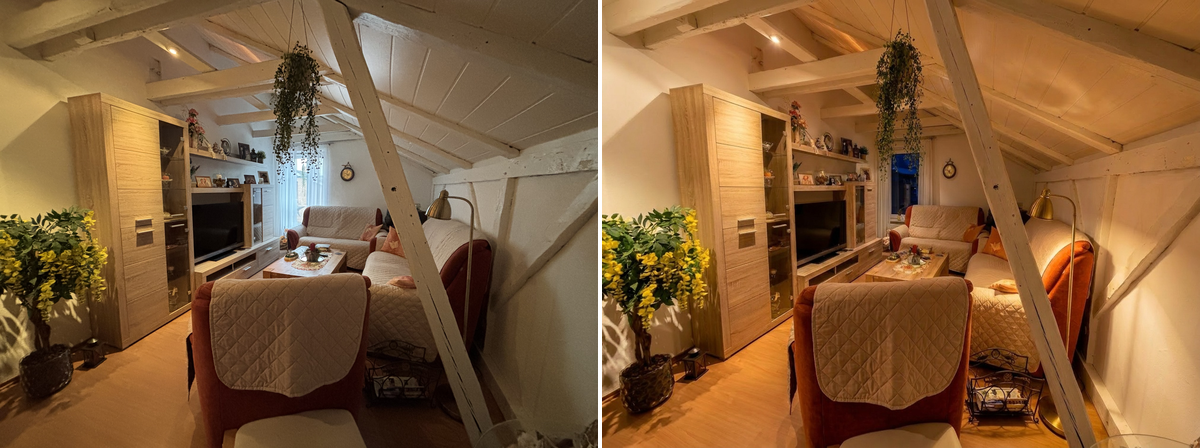
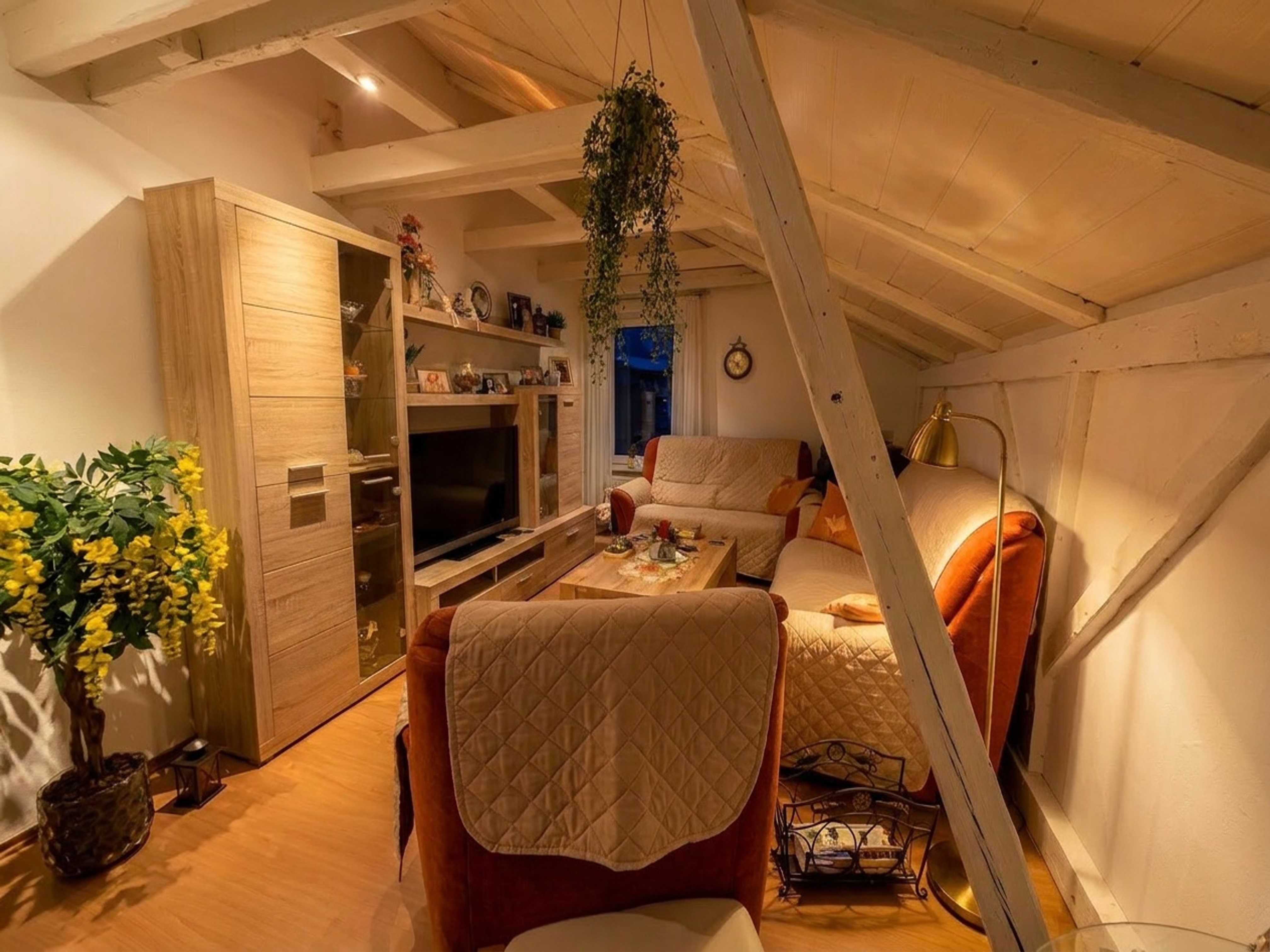
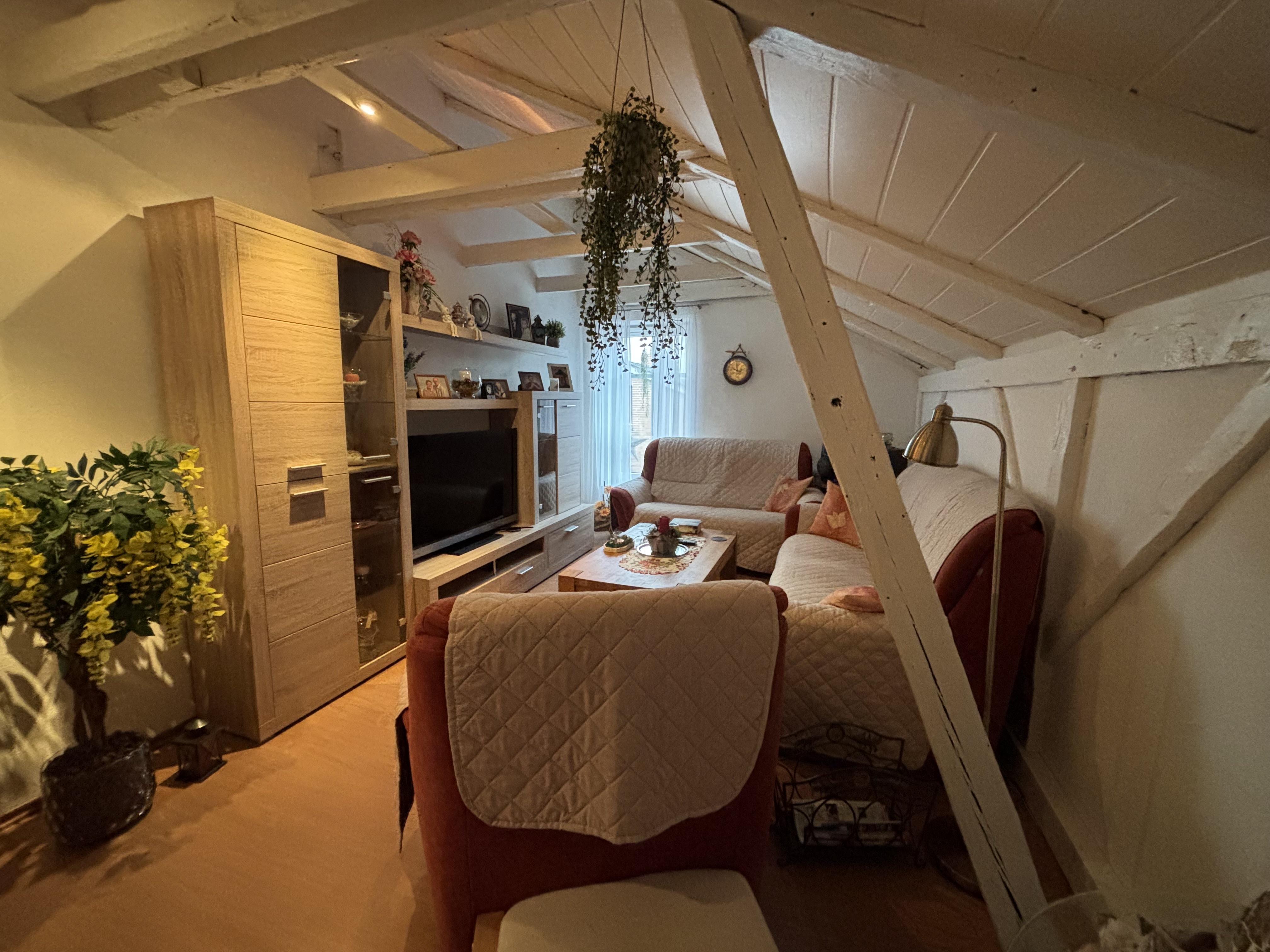
Merge 1-5 exposure brackets of one scene into a single, naturally balanced image — bright windows pulled back, dark interiors lifted. HDR merge is automatic: send more than one input on any order and the brackets are aligned and merged before everything else.
Ordering
Submit an order with POST /v1/orders — or one call of SDK. The snippets below cover upload, order, live progress and download using SDK 1.1.0 or Bash with curl and jq. See the SDK installation notes.
/v1/ordersimport { BkbnClient } from '@bkbnlab/api'
const bkbn = new BkbnClient() // reads BKBNLAB_API_KEY
const photos = await Promise.all(
['bracket-1.jpg', 'bracket-2.jpg', 'bracket-3.jpg'].map((f) => bkbn.upload(f)),
)
const order = await bkbn.order({
inputs: photos,
perspective: true,
tonecraft: true,
})
const result = await order.wait({
onProgress: (p) => console.log(p.stage, p.percent),
})
await result.save('result.jpg')Options
These are REST request fields, alongside inputs. Defaults apply when neither an explicit value nor a selected preset supplies that setting. Shared delivery options are documented under Enhancer.
| Option | Type | Description |
|---|---|---|
align | boolean | Align brackets before the HDR merge. Default: true. |
format | enum | Delivery format. Options: jpeg, png, webp. Default: jpeg. |
quality | integer | JPEG/WebP encoding quality. This controls delivery compression, not the generation tier. Range: 1–100. Default: 92. |
Presets and overrides
List the active public presets and presets available to your API key:
curl -fsS "https://api.bkbn.ai/v1/presets?feature=tonecraft" \
  -H "X-API-Key: $BKBNLAB_API_KEY" | jq '.data.presets'
Read data.presets and use a preset's key, rather than its display name or UUID. For a custom look, contact us.
With REST, set tonecraft: true and choose the look with tonecraft_profile. If the profile is omitted, the look is signature. Explicit tonecraft_levels and tonecraft_sharpen override the selected preset, including when set to false; omit them to use the preset's settings. JavaScript also accepts a preset key or an options object in tonecraft, as shown in the example.
In a batch, an omitted scene option inherits the batch value; an explicit scene value overrides it. Preset resolution then uses those merged options. See Batches.
Inputs and outputs
inputs takes 1-5 ready, uploaded asset ids owned by your key — the exposure brackets of one scene. Magic Eraser takes exactly one image plus a mask. The completed order carries one outputAssetId. Authenticated GET /v1/assets/:id returns data.url and data.expiresIn; fetch the signed URL without your API key to download the bytes. Output ids cannot currently be reused as order inputs.
Before / After
Drag the slider to compare input and output. Switch between examples below.
Versioning
This page documents recipe develop@1.1.0. The live catalog — every feature, its version and parameters — is public at GET /v1/features. Minor bumps improve quality without changing the interface.