

Enhancer
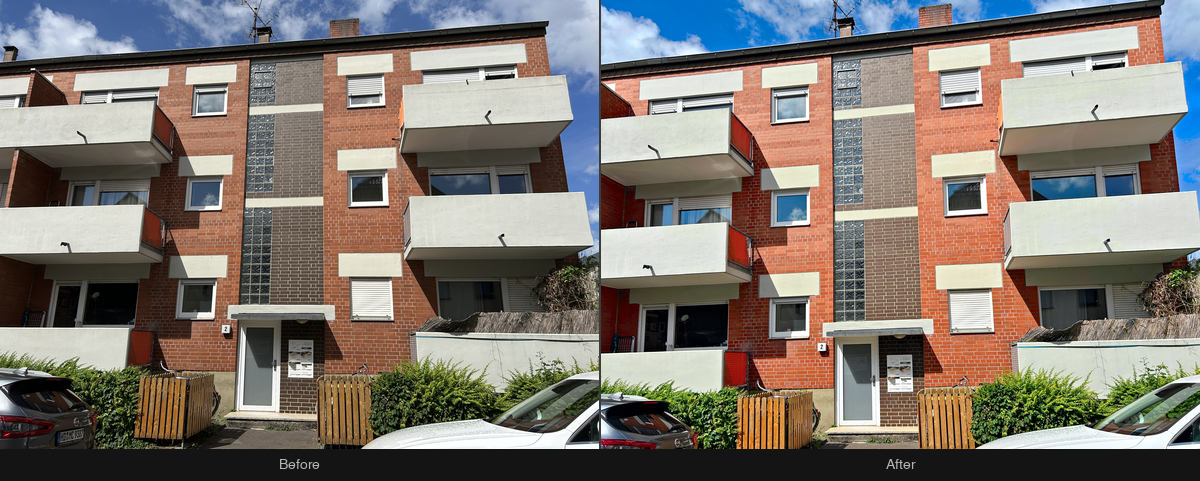
The standard develop for a listing photo: automatic HDR-quality development, perspective correction, and the Backbone signature tone. The base pipeline (normalization, resolution cap, delivery encode) runs on every order; perspective and tone are toggles you turn on.
Ordering
Submit an order with POST /v1/orders — or one call of SDK. The snippets below cover upload, order, live progress and download using SDK 1.1.0 or Bash with curl and jq. See the SDK installation notes.
/v1/ordersimport { BkbnClient } from '@bkbnlab/api'
const bkbn = new BkbnClient() // reads BKBNLAB_API_KEY
const photo = await bkbn.upload('living-room.jpg')
const order = await bkbn.order({
inputs: [photo],
perspective: true,
tonecraft: { profile: 'signature', sharpen: true },
quality: 92,
})
const result = await order.wait({
onProgress: (p) => console.log(p.stage, p.percent),
})
await result.save('result.jpg')Options
These are REST request fields, alongside inputs. Defaults apply when neither an explicit value nor a selected preset supplies that setting. Shared delivery options are documented under Enhancer.
| Option | Type | Description |
|---|---|---|
perspective | boolean | Enable perspective correction. Default: false. |
perspective_strength | number | Correction strength. Range: 0–1. Default: 1. |
tonecraft | boolean | Enable the selected Tonecraft look. Default: false. |
tonecraft_profile | string | Preset key returned by GET /v1/presets?feature=tonecraft. Enable tonecraft to apply this look. Default: signature. |
tonecraft_levels | boolean | Override the preset: auto-levels finishing on/off. When omitted, the selected preset decides. |
tonecraft_sharpen | boolean | Override the preset: calibrated sharpness boost on/off. When omitted, the selected preset decides. |
align | boolean | Align brackets before the HDR merge. Default: true. |
format | enum | Delivery format. Options: jpeg, png, webp. Default: jpeg. |
quality | integer | JPEG/WebP encoding quality. This controls delivery compression, not the generation tier. Range: 1–100. Default: 92. |
Presets and overrides
List the active public presets and presets available to your API key:
curl -fsS "https://api.bkbn.ai/v1/presets?feature=tonecraft" \
  -H "X-API-Key: $BKBNLAB_API_KEY" | jq '.data.presets'
Read data.presets and use a preset's key, rather than its display name or UUID. For a custom look, contact us.
With REST, set tonecraft: true and choose the look with tonecraft_profile. If the profile is omitted, the look is signature. Explicit tonecraft_levels and tonecraft_sharpen override the selected preset, including when set to false; omit them to use the preset's settings. JavaScript also accepts a preset key or an options object in tonecraft, as shown in the example.
In a batch, an omitted scene option inherits the batch value; an explicit scene value overrides it. Preset resolution then uses those merged options. See Batches.
SDK option names
These SDK options correspond to the REST fields below. Other options in the table above keep the same name. Dotted JavaScript names are properties of an options object.
| REST | Python | JavaScript | Kotlin |
|---|---|---|---|
perspective_strength | perspective_strength | perspective.strength | perspectiveStrength |
tonecraft_profile | tonecraft_profile | tonecraft.profile | tonecraftProfile |
tonecraft_levels | tonecraft_levels | tonecraft.levels | tonecraftLevels |
tonecraft_sharpen | tonecraft_sharpen | tonecraft.sharpen | tonecraftSharpen |
Inputs and outputs
inputs takes 1-5 ready, uploaded asset ids owned by your key — the exposure brackets of one scene. Magic Eraser takes exactly one image plus a mask. The completed order carries one outputAssetId. Authenticated GET /v1/assets/:id returns data.url and data.expiresIn; fetch the signed URL without your API key to download the bytes. Output ids cannot currently be reused as order inputs.
Before / After
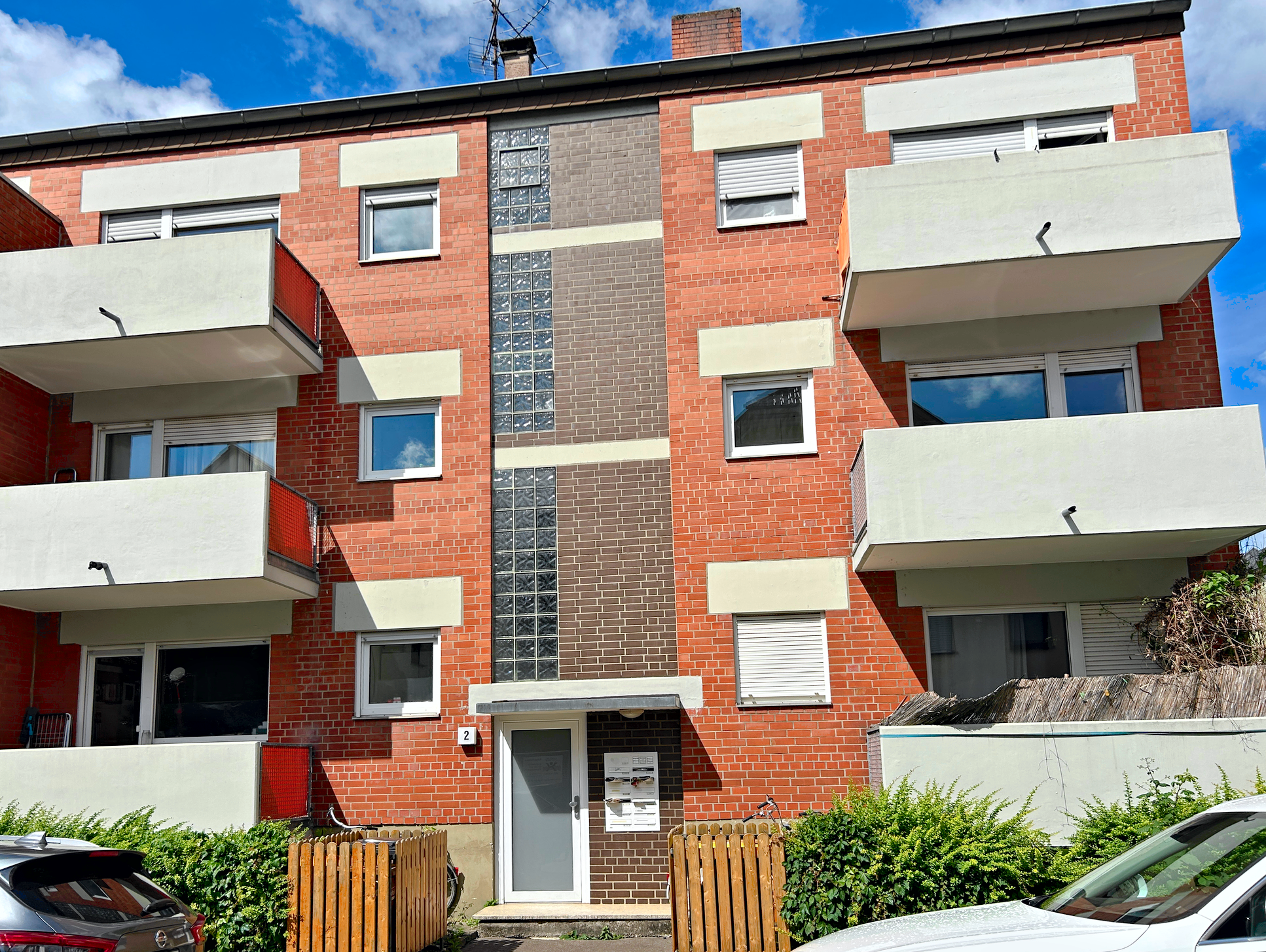
Drag the slider to compare input and output. Switch between examples below.

Versioning
This page documents recipe develop@1.1.0. The live catalog — every feature, its version and parameters — is public at GET /v1/features. Minor bumps improve quality without changing the interface.